Why LA Companies Are Switching From Reactive IT to Managed Services
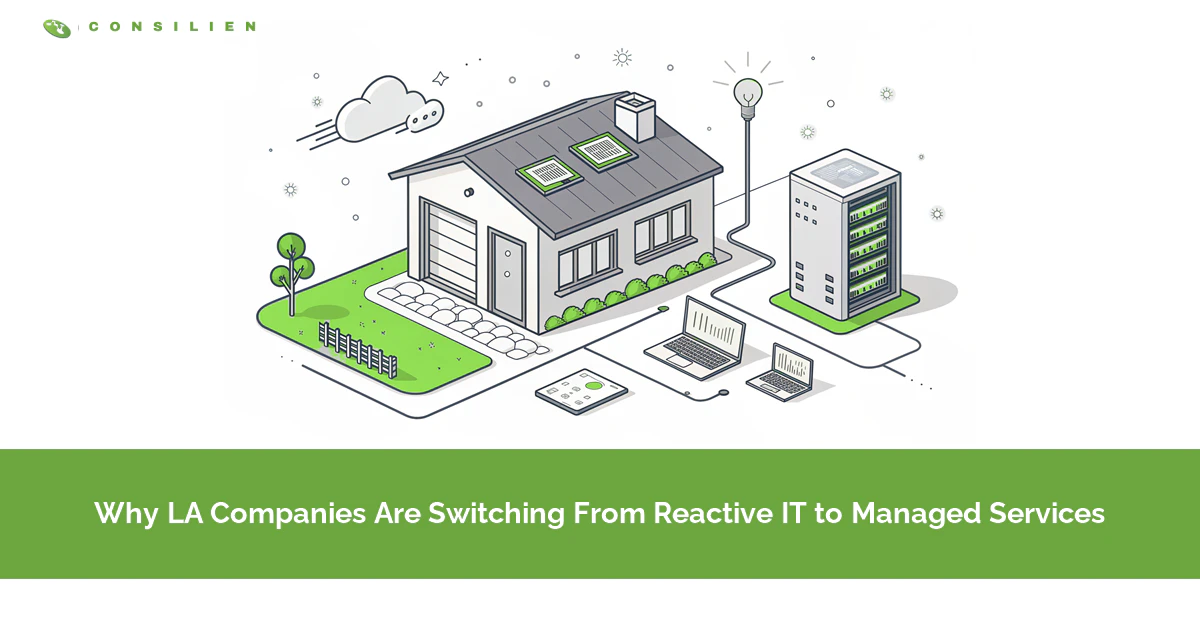
LA companies are dropping reactive IT because local risks don't wait for a technician. Power shutoffs, earthquake exposure, and higher tech labor costs make waiting for something to break slower and more expensive here than in a lot of U.S. markets.
Table of Contents
Reactive IT vs. managed services is a different decision in Los Angeles than it is in Columbus or Omaha. The models are the same everywhere. The region isn't. A business in the San Fernando Valley or the South Bay has to plan for things a reactive technician can't fix after the fact, like a utility cutting power on purpose or a fault line under the building. That's why so many owners here end up looking at managed IT services in Los Angeles after an outage rather than before one.
Call someone when something fails, pay by the hour. That model works fine. Until the failure is regional. Then every business on the same circuit, or in the same burn zone, is calling the same 3 technicians on the same morning.
For the general comparison, with the break-even math and the warning signs, start with our breakdown of managed IT vs. break-fix.
What does reactive IT vs. managed services actually mean?
Reactive IT, also called break-fix, is support you buy after something goes wrong, billed per hour or per incident. Managed services is a flat monthly fee for a provider who monitors, patches, backs up, and supports your systems continuously, so fewer things go wrong.
In LA, timing is the whole difference. A reactive arrangement starts working the moment you call. A managed one has been working for months before that call, documenting your network, testing your backups, and setting up the remote access your staff will need when the office is dark.
Why does reactive IT cost more in Los Angeles?
Labor here costs more, and reactive IT is almost entirely labor. In May 2024, computer and math occupations in the LA metro averaged $60.21 an hour against $56.16 nationally, according to the Bureau of Labor Statistics. After-hours and emergency rates start from that higher base.
That's the small number. The big one is your own payroll, sitting idle while you wait.
Run it with real figures. The same BLS release puts the average LA metro wage at $36.64 an hour across all jobs. Take a hypothetical 25-person office in Culver City where email and the file server go down at 9 a.m. and stay down for 4 hours while a break-fix technician fights the 405 to get there. That's 100 lost hours, or about $3,664 in wages paid for no work, before the repair invoice shows up and before you count a single missed client deadline.
Drive time is a real cost here. A technician based in Burbank with a call in Long Beach at 4 p.m. can spend more of the afternoon on the 5 and the 710 than on your equipment. Managed providers fix most issues remotely because the monitoring and access are already in place, and they send someone on-site only when the problem is physical.
So the hourly rate is a decoy. A cheap one. Who pays for the waiting? You do.
What happens to reactive IT during a power shutoff?
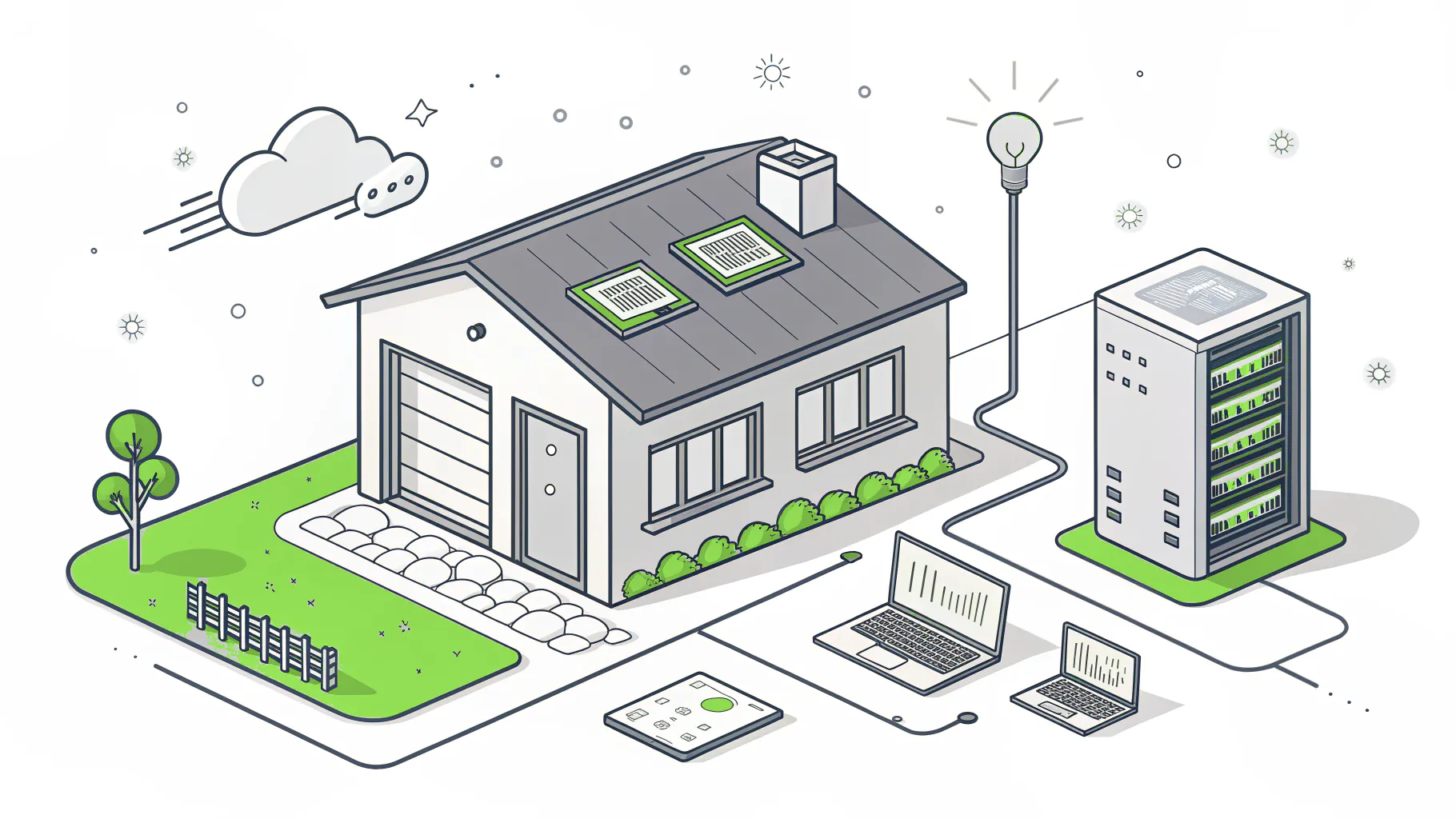
Nothing. Not until the power comes back. Then everyone calls at once. On January 8, 2025, Southern California Edison had power shut off to 176,857 customers, including 40,573 in Los Angeles County, with another 123,335 county customers under consideration for shutoff.
Those were Public Safety Power Shutoffs, the planned outages SCE uses when Santa Ana winds and dry brush make a downed line dangerous, and they tend to land hardest on businesses in the foothill and canyon communities rather than downtown. SCE serves much of the county outside the Los Angeles Department of Water and Power (LADWP) territory, and the warnings usually come a day or two ahead. A day or two is plenty. If somebody owns the plan. If nobody does, it's just a heads-up.
Before the shutoff notice ever lands, a managed provider has usually already:
- tested that every employee can sign in from home over a secure connection, not just the 4 people who asked last year.
- put the servers and network gear on battery backup (a UPS) that shuts them down cleanly instead of letting them crash.
- moved email, files, and the line-of-business app (the software your team actually runs the business on) to cloud services that don't care whether your Chatsworth office has power.
- written down who powers things back on, in what order.
A break-fix technician can do every one of those things too. They just aren't paid to think about it in September, before the Santa Ana winds start.
January 2025 showed the same pattern at a far larger scale. Fires, not wind warnings. The numbers on what Eaton and Palisades did to local businesses are in our full break-fix comparison.
Are your backups in the same earthquake zone as your office?
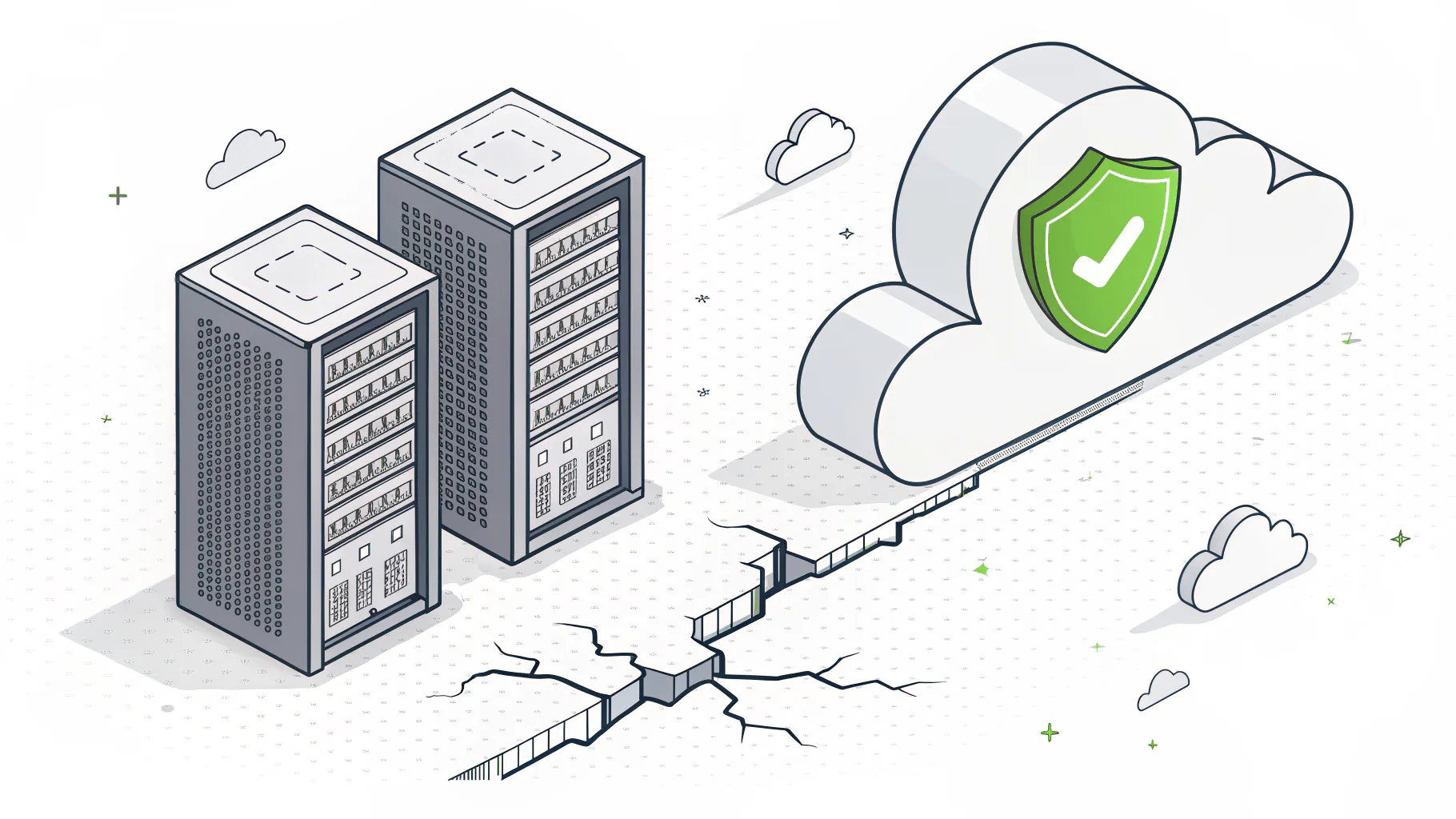
Often, yes. A backup drive in the server closet, or a second copy on a USB drive at the owner's house in Pasadena, sits on the same fault system as the original, and a quake strong enough to wreck the office can easily do the same to the house 15 miles away.
Small odds? Not really. The USGS forecast for California gives the Los Angeles region a 60% chance of at least one magnitude 6.7 or larger earthquake in the 30 years starting from 2014. Northridge in 1994 was a 6.7.
Break-fix shops rarely test restores. Why would they? Nobody bills for it. Nobody asks. The backup software says green every night. Then the day comes when you need the files back, and it turns out the job has been backing up an empty folder since a server move 2 years ago. That's a common way backups fail. It isn't the dramatic one.
What changes under a managed model is pretty dull. That's the point. Copies go to cloud storage in another region, at least one copy can't be altered or deleted (what IT people call immutable), and somebody restores a real file on a schedule and writes down how long it took. Our guide to backup and disaster recovery in Los Angeles goes deeper on recovery targets.
Why is ransomware a reactive-IT problem?
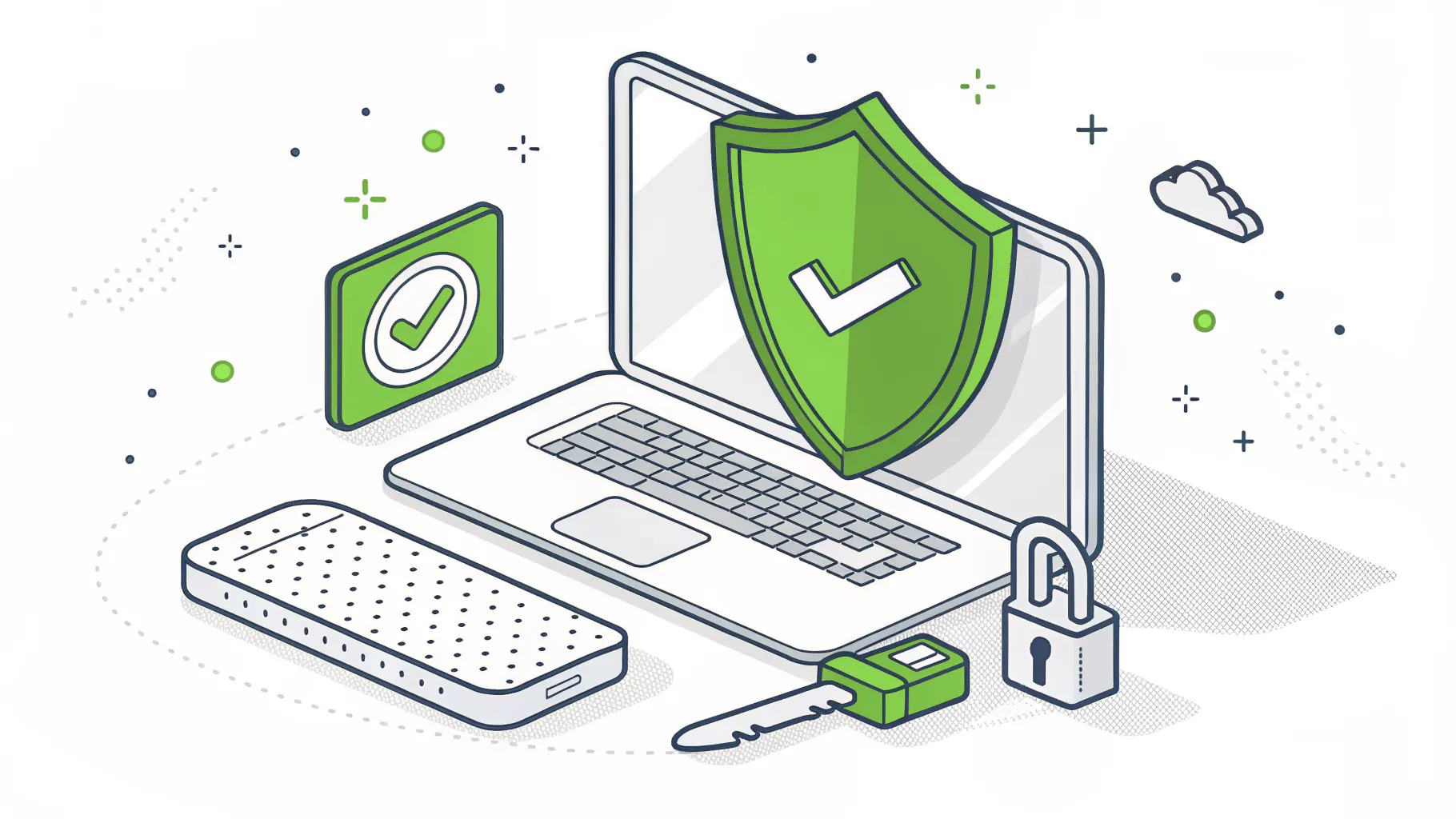
Ransomware usually gets in through a gap that was already known and never closed, like an unpatched VPN box (the device that lets staff connect from outside the office), a remote desktop port left open to the internet, or an old admin password that still works. Reactive IT closes gaps after they're used. Managed IT closes them on a schedule.
Recovery speed is where the gap shows. In the Sophos State of Ransomware 2025 survey, 53% of organizations hit fully recovered within a week, up from 35% the year before. Flip that around and nearly half were still digging out after a week. Even a week is a long time to run an LA distribution company off paper pick tickets.
Companies in that first group tend to share a few unexciting habits. Patches go on within days, not whenever someone remembers. Admin accounts use multi-factor authentication (MFA), the second code from your phone. And there's a backup the attacker can't reach. Our explainer on patch management shows what a real patch cycle looks like.
Can attackers still get in? Sure. It's just a lot more work.
What LA companies are actually buying when they switch
Spending on IT services, which includes managed services, is forecast to pass $1.87 trillion worldwide in 2026, up 9.0% from 2025, according to Gartner. It's the largest single slice of tech spending. Underneath that number, an LA company that switches is buying a short list of specific things.
Consilien is a managed IT and cybersecurity provider headquartered in Torrance that serves businesses nationwide, and the LA version of the switch looks like the table below. The work is the same as anywhere. The scenarios aren't.
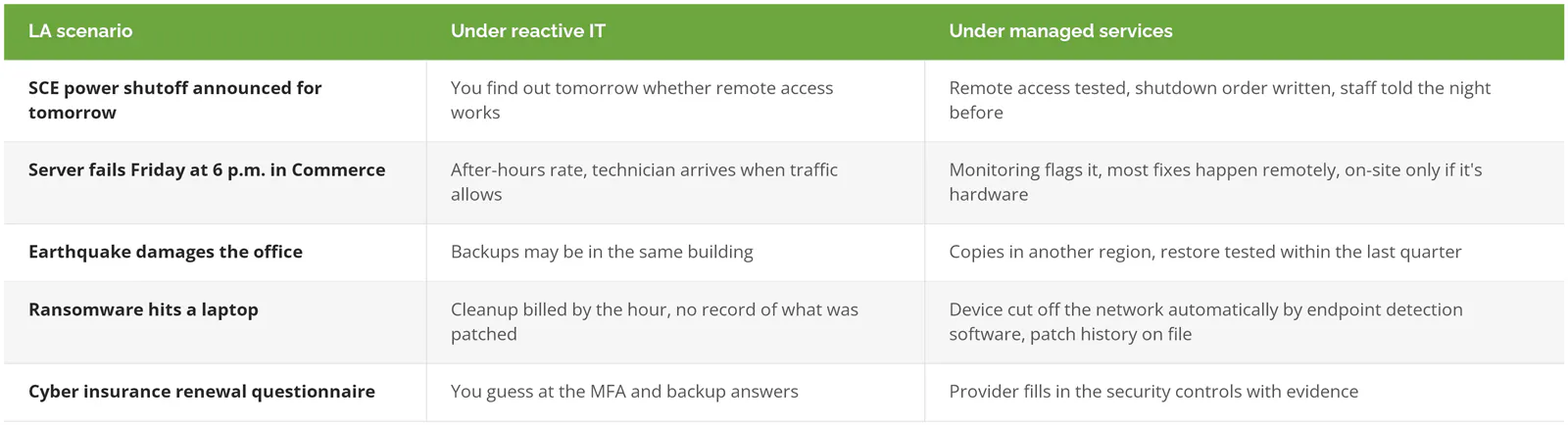
Then there's planning. Boring, and badly needed. A good managed plan includes a vCIO, a part-time chief information officer who sits down with you a few times a year to map out hardware refreshes, licensing, and budget, so the 2027 laptop replacement isn't a surprise in December.
One thing a managed IT plan doesn't include is compliance. CCPA risk assessments, CMMC, SOC 2, and PCI are separate engagements with their own scope and cost, and Consilien runs compliance as its own service. If an auditor or a California privacy requirement is part of why you're looking, our list of compliance mistakes LA businesses make is a better starting point than any managed IT quote.
As for price, our California managed IT pricing guide breaks down what businesses here actually pay per user.
When break-fix still makes sense in LA
Sometimes, yes. Keep the hourly technician if all of these are true:
- You're a handful of people working entirely in Microsoft 365 or Google Workspace, with no server.
- A full day offline would be annoying, not expensive.
- You don't hold regulated data like health, financial, or defense records.
- Your technician answers the phone the same day.
And if you already have a capable in-house IT person, full outsourcing may be the wrong fit too. Co-managed IT keeps your person in charge and adds monitoring, security tooling, and after-hours coverage around them.
South Bay companies weighing this locally can also read how managed IT in Torrance compares with break-fix, service by service.
How do LA companies make the switch?
- Pull the last 24 months of IT invoices and write down every outage you remember, with how long it lasted. That list is the real price of reactive IT, and it's the most useful thing you can bring to a first call.
- Get an assessment. A provider inventories your devices, accounts, backups, and security gaps before quoting, and an honest one will tell you if you're not ready. Our post on why LA businesses should request an IT assessment covers what it includes.
- Collect everything your current technician knows. Admin passwords, the domain registrar login, the ISP account, license keys.
- Fix the urgent gaps first. MFA, backups that leave the building, and patching usually come before anything else.
Expect some surprises in the first month. An admin account belonging to someone who left in 2021. A firewall nobody has logged into since it was installed. Annoying, but fixable. Better to find them on a Tuesday than during a shutoff.
If your invoice list and outage history point toward a switch, speak to an IT expert and bring both.